
Local AI Models on Your Laptop: Ollama Setup Guide (2026)
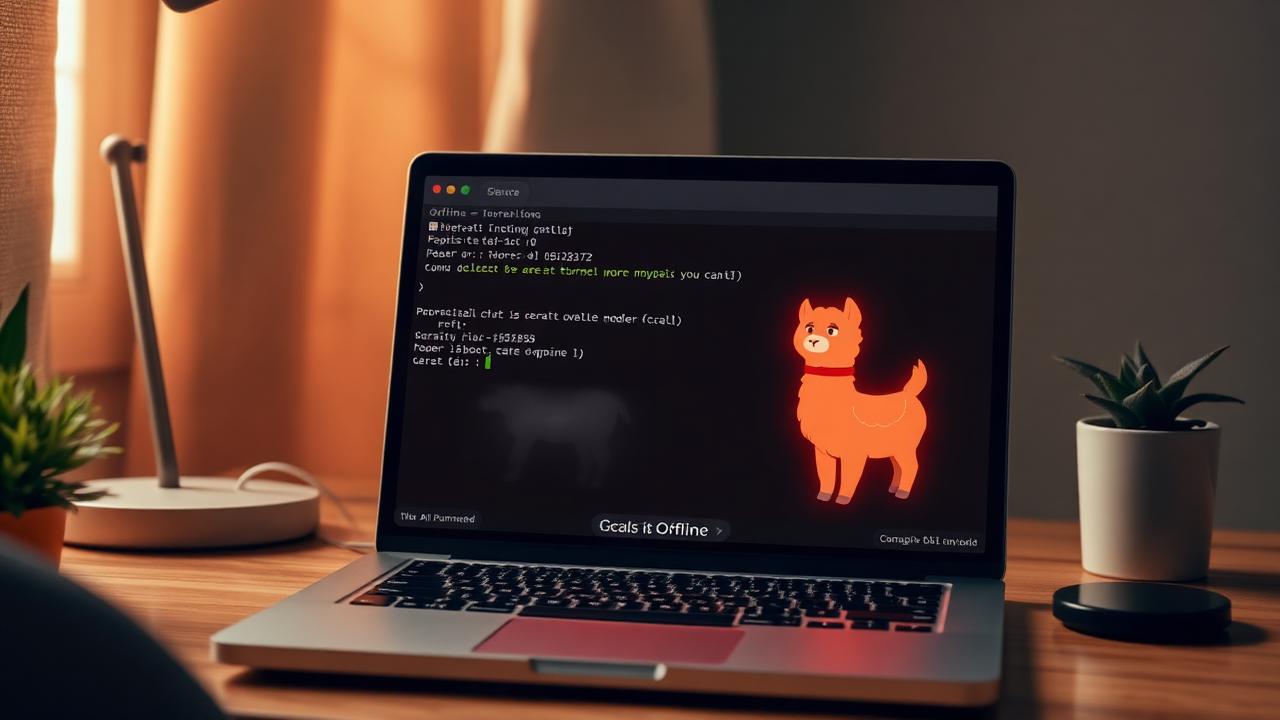
Running AI locally has gone from 'fun hobby' to 'practical option' in 2026. Here is the complete setup guide to running Llama 3, Qwen, and Phi on your laptop with Ollama.
Editorial disclosure: This article is independently researched and written by the SmartAITrends editorial team. Some links may be affiliate links — if you buy through them we may earn a small commission at no extra cost to you. We never accept payment for reviews or rankings. See our full disclaimer.
In 2026, you can run an AI model on your laptop that's roughly as smart as GPT-4 from a year ago — completely free, completely offline, and completely private. The tool that makes this practical for most people is Ollama. Here is the complete setup guide.
Why run AI locally?
- Privacy — your prompts never leave your machine.
- Offline — works on a plane, in a cabin, anywhere.
- Free — zero per-token cost forever.
- Customizable — fine-tune on your own data.
- No rate limits — generate 24/7 if you want.
Hardware requirements
For comfortable usage in 2026:
- Mac with M1/M2/M3/M4 + 16GB RAM: works great. M-series unified memory is ideal for AI.
- Windows / Linux laptop with 16GB+ RAM and a discrete GPU (NVIDIA RTX with 8GB+ VRAM): also great.
- Older / cheaper hardware: works for smaller models (3B-7B parameters).
Step 1 — Install Ollama (2 minutes)
Go to ollama.com and download the installer for your OS. Run it. That's it. On Mac it shows up as a menu-bar icon; on Windows it runs as a service.
Step 2 — Pull your first model (5 minutes)
Open a terminal and run:
ollama run llama3.3This downloads Meta's Llama 3.3 8B model (~5GB) and drops you into a chat. Type a question and you have a working local AI. Press Ctrl-D to exit.
The best models to try in 2026
| Model | Size | Best for | RAM needed |
|---|---|---|---|
| llama3.3 | 8B | Daily chat | 8 GB |
| qwen2.5:14b | 14B | Coding, reasoning | 16 GB |
| phi4 | 14B | Reasoning, math | 10 GB |
| llama3.3:70b | 70B | Best quality | 48 GB |
| nomic-embed-text | — | Embeddings | 1 GB |
| llava:13b | 13B | Image understanding | 10 GB |
Step 3 — Add a nice UI
The terminal works, but most people prefer a GUI. The two best options:
- Open WebUI — looks like ChatGPT, runs in Docker, supports plugins. Best overall.
- Msty — native Mac/Windows app, prettiest UI, free.
Step 4 — Use Ollama from your code
Ollama exposes a REST API at localhost:11434:
curl http://localhost:11434/api/generate -d '{
  "model": "llama3.3",
  "prompt": "Why is the sky blue?"
}'
This means any app you build — including the no-code workflows we covered in our agent tutorial — can use a local model instead of OpenAI.
8 practical use cases for local AI
- Private journaling assistant — your therapist deserves to stay yours.
- Sensitive document summarization — legal, medical, financial PDFs without uploading them.
- Offline coding assistant — pair Continue.dev with Ollama for full privacy.
- Email triage on a flight — drafts replies offline, you send when you land.
- Local RAG over your notes — index your Obsidian or Notion vault and chat with it.
- Image captioning — Llava can describe photos for accessibility.
- Translation — Llama 3.3 handles 30+ languages well.
- Cost-free agent prototyping — iterate on agents without burning API credits.
Performance tuning
- Mac users: nothing to do. Apple Silicon is plug-and-play.
- NVIDIA GPU users: install CUDA drivers; Ollama auto-detects them.
- Slow generation? Try a smaller model. The jump from 8B to 14B doubles RAM and halves speed.
- Context too short? Run
ollama run llama3.3 --num-ctx 8192to extend context.
FAQ
Is Ollama really free?
Yes, completely free and open-source. You only pay for your electricity.
Are local models as good as ChatGPT?
The 70B class models are roughly comparable to GPT-4 from 2024. They are noticeably worse than GPT-5 or Claude 4.
Can I run multiple models at once?
Yes, but each one consumes memory. Ollama auto-unloads idle models.
What about privacy of the Ollama tool itself?
Ollama is open-source and does not phone home. You can verify the source on GitHub.
Conclusion
Local AI is no longer a science project — it is a practical, private, free alternative to cloud LLMs for most everyday tasks. Install Ollama tonight and you'll be surprised how often you stop reaching for ChatGPT.
Why this matters in 2026
The story above is not an isolated update — it fits a broader pattern reshaping how individuals and teams work with AI in 2026. We are past the demo era. Real adoption is now measured in dollars saved, hours returned, and decisions automated. Every announcement, benchmark, or pricing shift in this space cascades into how SaaS pricing, hiring plans, and content workflows get rewritten over the next quarter.
If you are evaluating whether to adopt, switch, or wait, the right question is rarely "is this the absolute best tool?" It is "does this remove a recurring bottleneck for me in the next 30 days?" When the answer is yes, the cost of waiting is usually higher than the cost of a paid subscription. When the answer is no, no amount of hype justifies the context-switching tax of adopting a new tool.
What to do next (practical checklist)
- Audit one workflow this week. Pick the most repetitive task in your day and time it. That is your baseline.
- Run a 14-day pilot, not a 6-month evaluation. Modern AI tools change monthly; long pilots evaluate stale versions.
- Measure outcomes, not usage. Hours saved and error rates beat seat counts and prompt volume every time.
- Keep a "kill list". If a tool does not earn its monthly fee in saved time within 60 days, cancel it.
- Re-read your privacy and data-handling settings. Default opt-outs change quietly with every model release.
The bottom line
Local AI Models on Your Laptop: Ollama Setup Guide (2026) is one signal in a much larger shift: AI is moving from a novelty layer on top of existing software to a default substrate underneath it. The teams that win in 2026 are not the ones with the most subscriptions — they are the ones who pick two or three tools, learn them deeply, and rebuild their workflows around what those tools actually do well. Treat each new release as data to refine that stack, not a reason to rebuild it from scratch.
Frequently asked questions
Is local AI good enough to replace ChatGPT?
For routine writing, code completion, and summarization on an M-series Mac or 4090-class PC, yes. For deep reasoning, multimodal, and the latest models, hosted ChatGPT/Claude still win.
Which local model should I start with?
Llama 3.2 8B for general use, Qwen 2.5 Coder 7B for code, Mistral Small 3 for reasoning. All run comfortably on 16 GB RAM.
Does Ollama work on Windows?
Yes — native Windows installer since v0.1.30. Performance is best with an NVIDIA GPU; CPU-only works for small models but is slow.
Sources & further reading
- Ollama documentation— Ollama
- Open WebUI— Open WebUI
SmartAI Editorial
The SmartAITrends editorial team is made up of writers, developers, and AI practitioners who use the tools they cover every single day. Every article is researched against primary sources, hands-on tested where possible, and reviewed by a human editor before publication.
Have a tip or correction? Email the team.
Related posts
How to Build a Personal AI Assistant in 2026 (No-Code Guide)
You can build a genuinely useful personal AI assistant in under an hour without writing a line of code. This 2026 guide walks through the exact stack — memory, tools, integrations — that has replaced a real assistant for solo founders.
Running Local LLMs on M4 Macs in 2026: Full Ollama + LM Studio Setup
M4 Macs can now run frontier-class local models comfortably. This 2026 guide walks through the exact Ollama + LM Studio setup, which models to try first, and how much unified memory you really need.
How to Build an AI Agent with No Code (Step-by-Step Guide)
AI agents are no longer a developer-only thing. With the right no-code stack, you can build a working agent that reads emails, files tickets, or researches leads in under an hour.